
Posted by
Blog
How to Choose Mouse Skates: A Guide by Mousepad, Play Style and Version

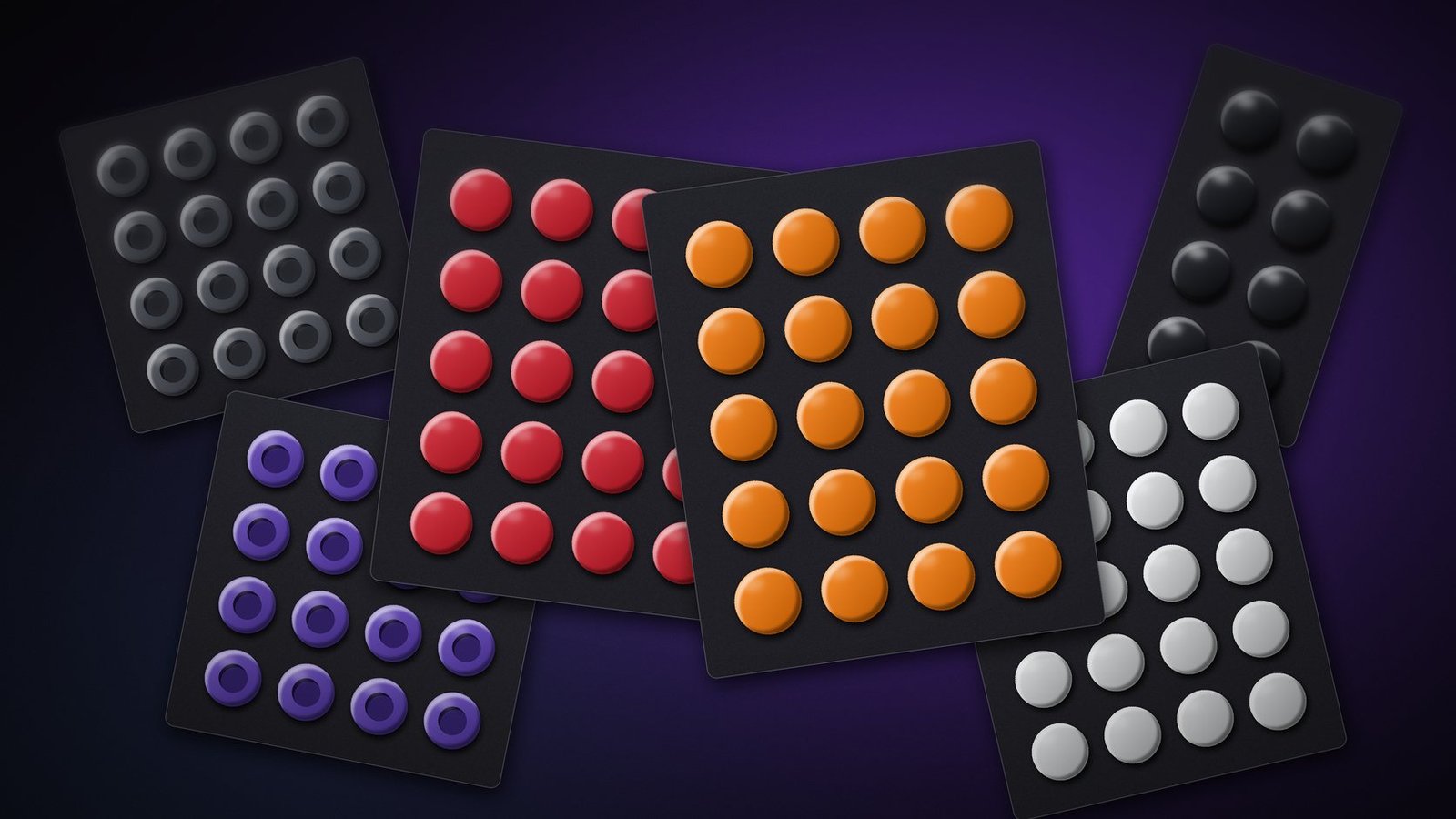
Skates are the cheapest part of your setup and one of the parts that changes how a mouse feels the most. With less than a millimeter of material underneath, the same mouse can glide faster, stop harder or run quieter. The hard part is choosing: X-raypad alone has three series, three versions and two shapes, and a skate made for cloth wears out quickly on a glass mousepad.
To choose mouse skates, decide in this order: first the mousepad you play on, then your play style (speed or control), and only at the end the version (Base, Air or Ultra). The mousepad rules out half the options straight away, and the rest is a matter of preference that you fine-tune with the number of dots you apply.
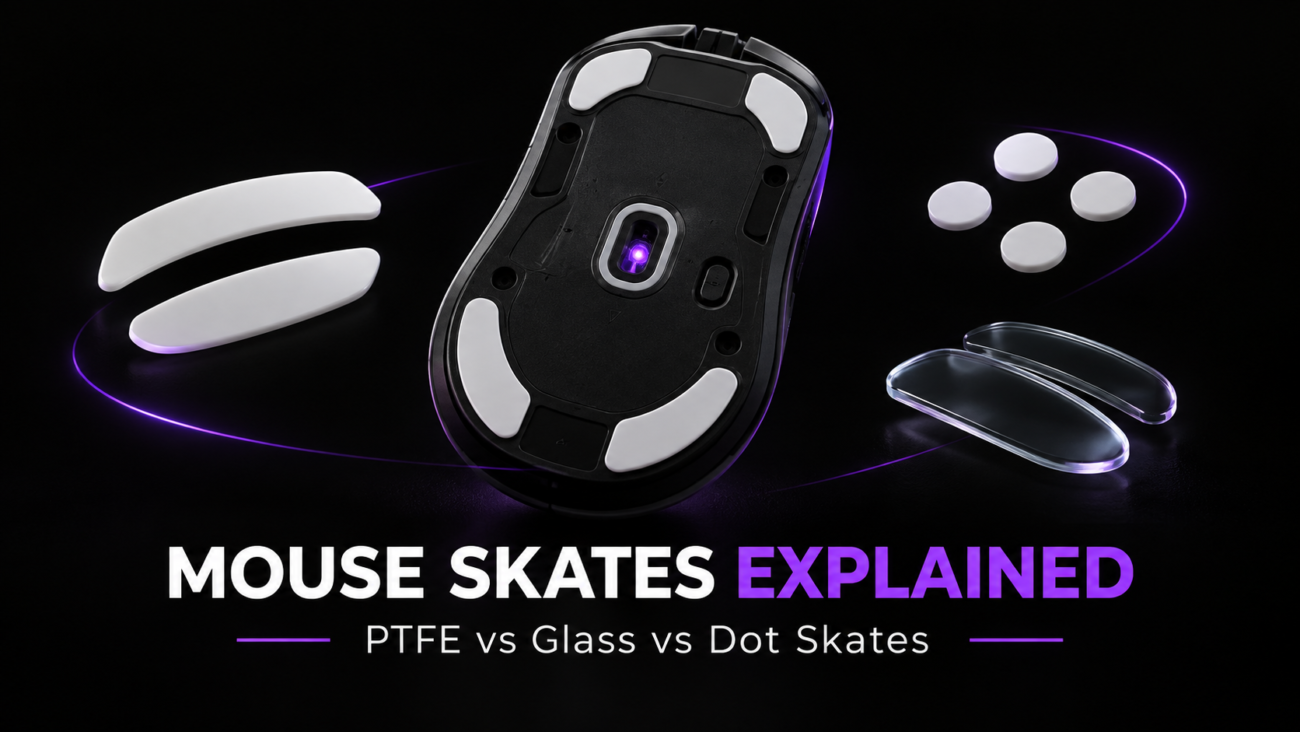
For the difference between PTFE, glass and dots in general, see our guide Mouse skates explained: PTFE vs glass vs dot skates. Here you have the 13 X-raypad skates we sell, from 10,90€ to 16,90€, sorted by the question that matters: which one works on your mousepad and in your game.
Summary: the right skate for each mousepad
The “Not sure” row is X-raypad’s own recommendation for anyone who doesn’t want to overthink it.
In this guide
- How to choose in three steps
- Which skates work on your mousepad
- Jade, Obsidian or Titanium U9
- Base, Air or Ultra
- From fastest to most controlled
- Glass skates: the Meteorite Glass
- Dots or donuts
- How many dots to apply and where
- Why PTFE wears out on glass
- When to replace them
- Frequently asked questions
How Do You Choose Mouse Skates in Three Steps?
Choose mouse skates by mousepad first, play style second and version last. The mousepad comes first because each material reacts differently to each surface. X-raypad Jade, in pure PTFE, are made for cloth and plastic and wear out quickly on glass. Obsidian, in hardened PTFE, work on cloth and on glass, but not on plastic or coated mousepads. Titanium U9, in UHMWPE, were tuned for glass and also work on cloth.
The second step is play style. If you flick a lot and want the mouse to move freely, lean toward Jade. If you play CS2 or Valorant and need your crosshair to stop where you want it, lean toward Obsidian. If what matters to you is how long they last, go for Obsidian Pro or Titanium U9.
The third step is the version, and X-raypad’s rule fits on one line: if you want silence (you play in your bedroom or in an office), add Air; if you want the same glide on every movement for competitive play, add Ultra. Base is the material on its own and gives the most direct response. Air adds a layer of PU foam that reduces noise and vibration. Ultra has the same foam plus an anti-sink core, which keeps the dot flat when you press down with your hand.
Which Mouse Skates Work on Your Mousepad?
All X-raypad skates work on cloth mousepads. On glass, only Obsidian, Obsidian Pro and Titanium U9. On plastic or coated mousepads, only Jade and Meteorite Glass. The rule that saves you the most money is this one: pure PTFE (Jade) wears out quickly on glass, and glass skates (Meteorite Glass) on glass or metal mousepads make a high-pitched noise and can strip the polished layer off the pad.
If you are still choosing a mousepad, the differences between the two materials are covered in glass mousepad vs cloth mousepad.
Jade, Obsidian or Titanium U9: Which Series Fits Your Game?
The Jade series puts speed first, Obsidian puts control first, and Obsidian Pro and Titanium U9 put durability first. In practice, the choice depends on how much you want the mouse to brake when you stop your hand. In a game with lots of flicks and targets changing direction, such as Apex Legends or Quake, a free glide helps you reach the target with less effort. In a tactical FPS (CS2, Valorant), most shots are fired with the crosshair still, and a skate that brakes a little more makes micro-adjustments easier. If you play for long hours, press down hard on the mouse or use a glass mousepad, what matters is that the skate doesn’t lose its shape after a short time.
Jade: for players who want the mouse to move freely

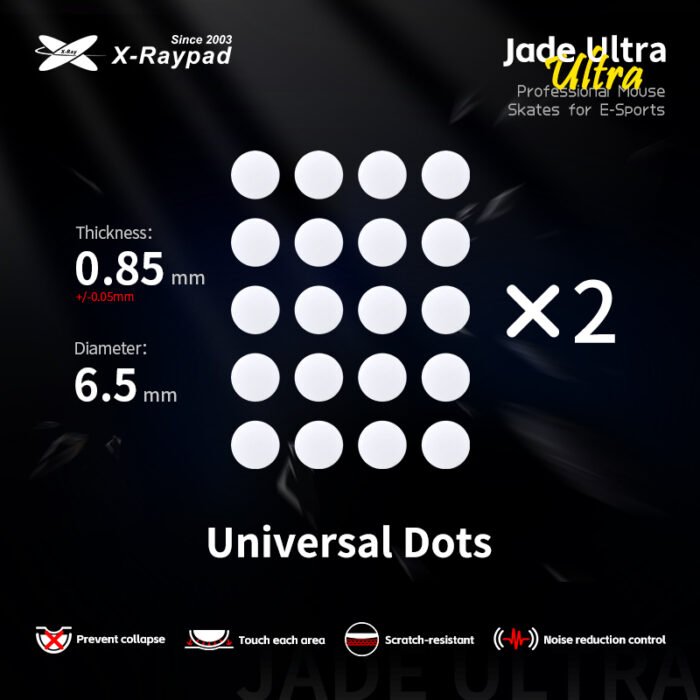
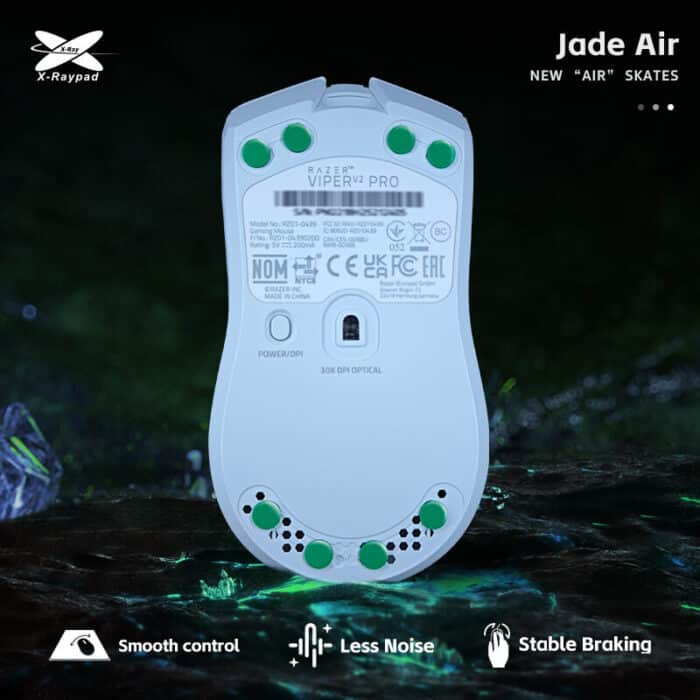

Pure PTFE, the material with the lowest starting friction on this list. X-raypad designed them for fast mousepads, plastic or hybrid, and for games like Apex Legends and Quake. They also work on cloth; on glass they wear out quickly.
- X-raypad Jade (10,90€): 40 dots, 6.5 mm across and 0.8 mm thick. The fastest on the brand’s scale.
- X-raypad Jade Ultra (13,90€): the same PTFE with PU foam and an anti-sink core underneath, 0.85 mm. Almost as free as the Jade and more stable when you press down.
- X-raypad Jade Air Dots (12,90€): 40 dots of 6.5 mm with foam that dampens the sound of the glide.
- X-raypad Jade Air Donuts (12,90€): 32 donuts of 9.5 mm in PTFE with microporous PU foam.
Who it’s for: players on cloth or plastic who feel the mouse drag when it starts moving. Who it’s not for: players on glass, or anyone who already finds their mousepad too fast.
Obsidian: for players who want the crosshair to stop
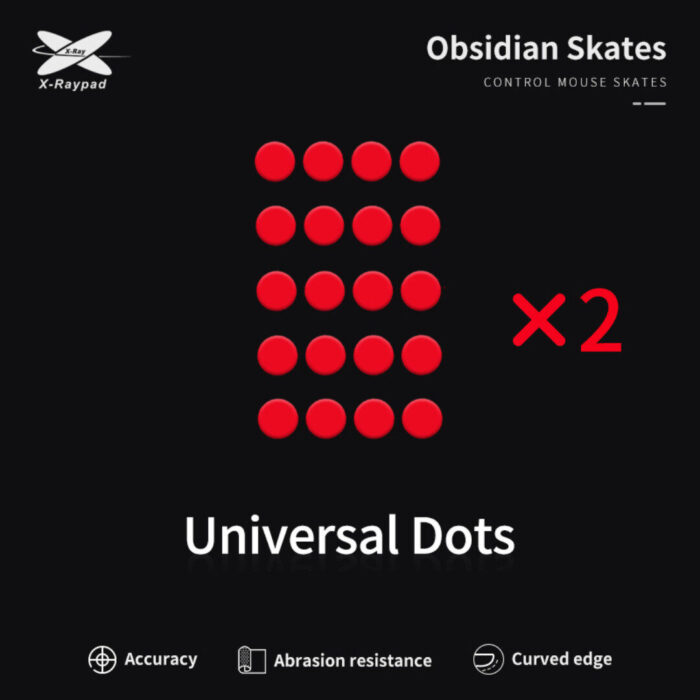
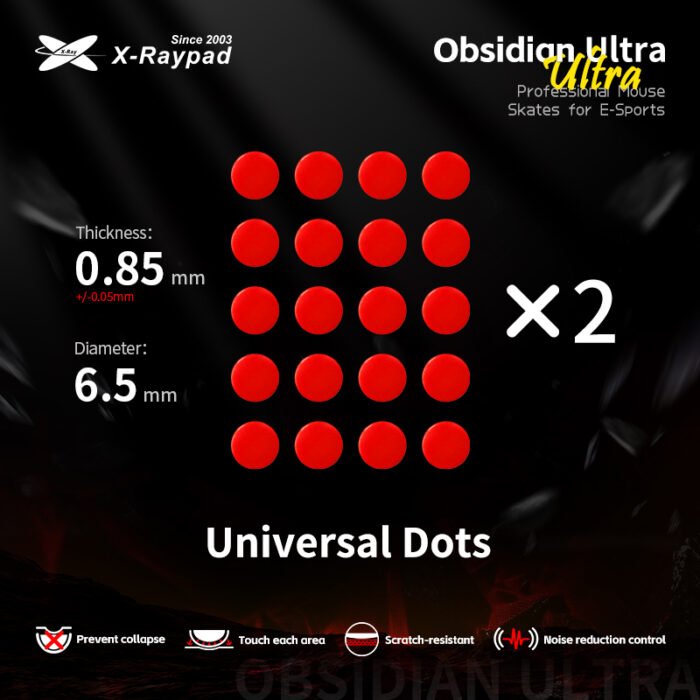
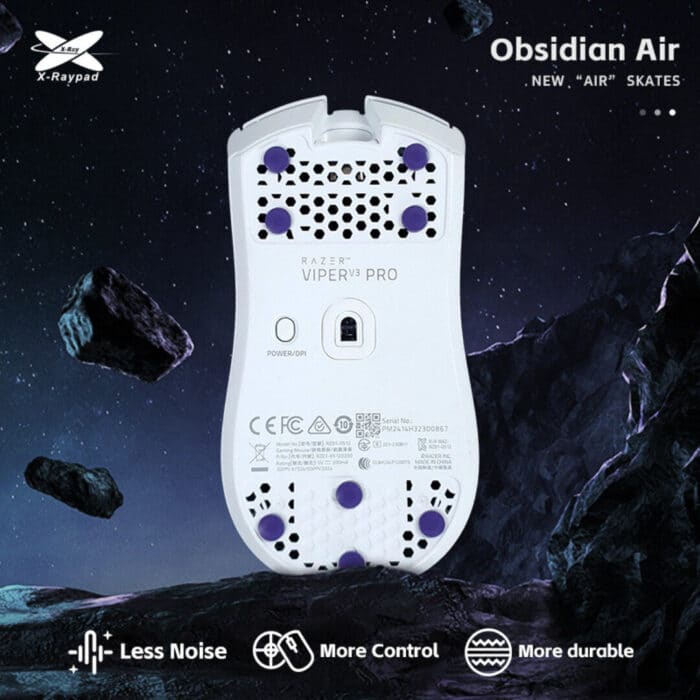

Hardened PTFE with a matte texture. The mouse still gets moving easily, but it brakes sooner when you stop your hand: the glide feels solid and the stop is crisp. X-raypad recommends them for control or soft cloth mousepads and for games like CS2 and Valorant. They also work on glass; they are not recommended for plastic or coated mousepads.
- X-raypad Obsidian (10,90€): 40 dots of 6.5 mm, 0.8 to 0.9 mm thick. The fastest of the Obsidian line.
- X-raypad Obsidian Air Dots (12,90€): 40 dots of 6.5 mm with foam that reduces impact and noise. The foam softens the feel and gives more control than the base Obsidian.
- X-raypad Obsidian Air Donuts (12,90€): 32 donuts of 9.5 mm with foam.
- X-raypad Obsidian Ultra (13,90€): PU foam and an anti-sink core, 0.85 mm. The most controlled of the PTFE Obsidians.
Who it’s for: players who feel the mouse slide past the point where they stop, especially on fast cloth mousepads or on glass. Who it’s not for: anyone who wants the freest possible glide or plays on plastic. If you are coming from regular PTFE, you may need a few days to adjust how hard you flick.
Obsidian Pro and Titanium U9: for players who want them to last
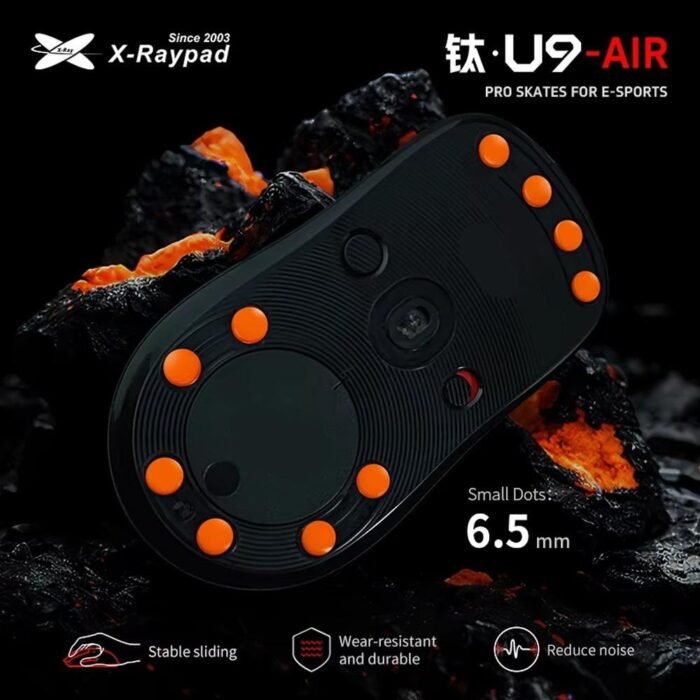
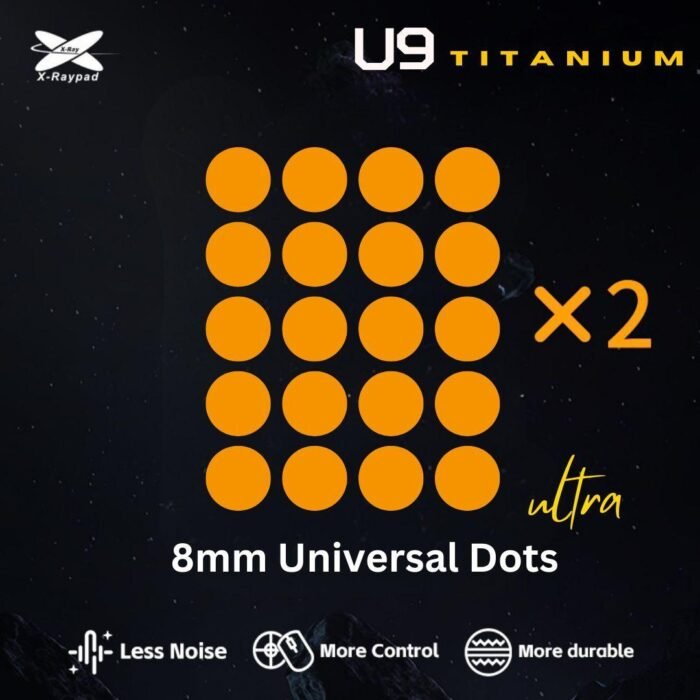


They swap PTFE for UHMWPE (ultra-high-molecular-weight polyethylene), which handles abrasion much better. X-raypad separates them by material grade: Obsidian Pro uses 500M-grade UHMWPE and, according to the brand, lasts 300% longer than regular PTFE and gives more control than the Obsidian; Titanium U9 steps up to 920M grade, the most wear-resistant in the range. They are the most controlled on X-raypad’s scale and the ones to pick for glass, for a heavy hand and for anyone who plays many hours a day.
- X-raypad Obsidian Pro Air Dots (13,90€): 500M UHMWPE with PU foam, 40 dots of 6.5 mm, 1.0 mm thick, with a finely textured surface, for cloth and glass.
- X-raypad Obsidian Pro Air Donuts (13,90€): the same material in 40 donuts of 9.5 mm, 1.0 mm thick, on two sheets of 20.
- X-raypad Titanium U9 Air (12,90€): 920M UHMWPE with PU foam, 40 dots of 6.5 mm. The control matches the Pro Air, with more wear resistance: X-raypad claims up to nine times the lifespan of the reference skates it uses in its tests.
- X-raypad Titanium U9 Ultra (13,90€): 920M UHMWPE with PU foam and an anti-sink core, 40 dots of 8 mm. The most durable in the range and the one with the most contact area per dot. Check first that your mouse’s base has room for them.
Who it’s for: players on glass, anyone who replaces skates more often than they would like, and anyone who switches between glass and cloth. Who it’s not for: players who only use cloth and want the freest possible glide.
Base, Air or Ultra: What Changes in Each Version?
The Base version is the material on its own, Air adds a layer of PU foam, and Ultra adds the foam plus an anti-sink core. Base gives the most direct response: you feel everything the mousepad has, texture and sound included. Air puts foam between the skate and the mouse, which absorbs part of the vibration, lowers glide noise and makes hard mousepads more comfortable; it is X-raypad’s pick for anyone who wants silence. Ultra has the same foam plus a core that stops the dot from sinking when you press down: contact with the mousepad stays flat across the whole surface and the glide doesn’t change between a light movement and a hard flick. It is the brand’s pick for competitive play. If you use a claw or fingertip grip with light pressure, Base or Air is enough. If you palm the mouse and rest the weight of your hand on it, Ultra is the one that stays most consistent.
Which X-raypad Skate Is the Fastest and Which Is the Most Controlled?
The fastest is the Jade and, of the ones we sell, the most controlled is the Titanium U9 Ultra, according to the scale X-raypad publishes for its range. The scale ranks the glide feel of each version, from the freest to the one that brakes the most. Note that the Ultra version doesn’t always sit in the same place: in the Jade line it comes right after Base, in the Obsidian line it moves to after Air. Use it to compare the brand’s skates with each other; with your mouse and your mousepad, the relative order holds, but the absolute difference changes.
X-raypad’s scale. The Meteorite Glass, made of glass, are not part of this comparison.
Where Do Glass Skates Fit In?
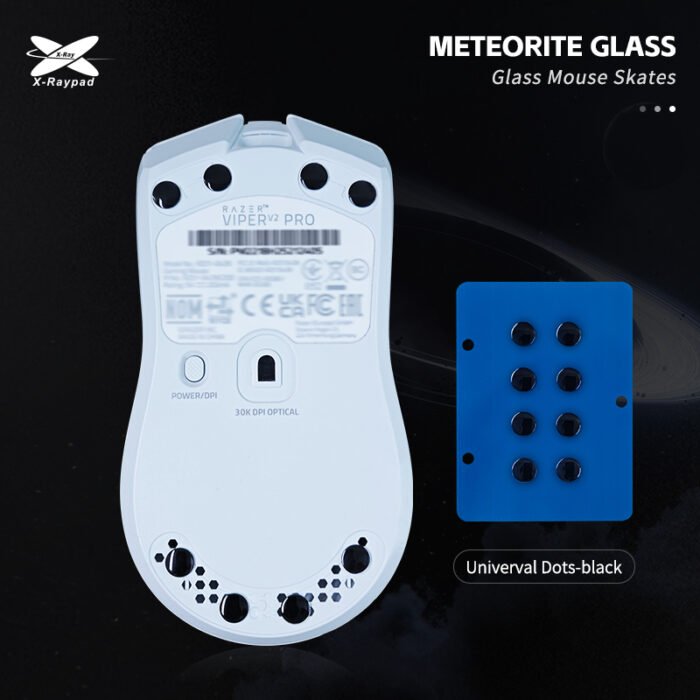
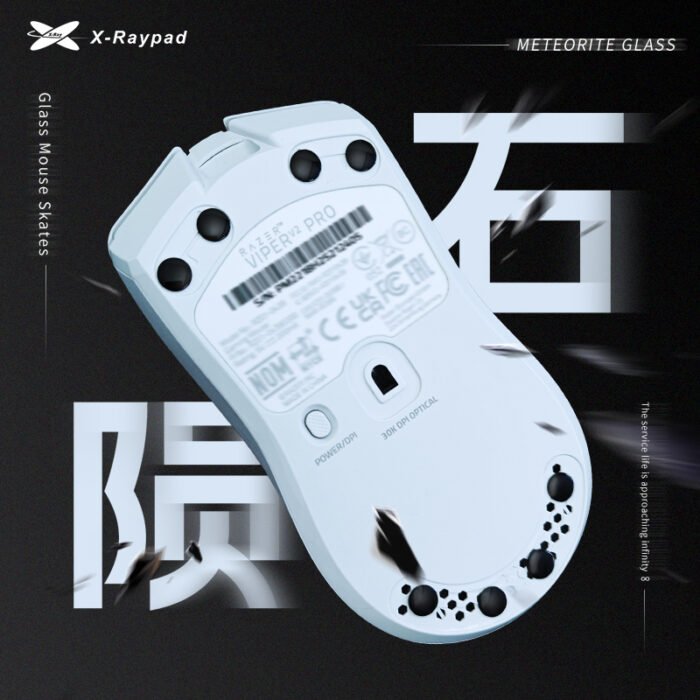
The X-raypad Meteorite Glass (16,90€) are for players on cloth who want a glide that doesn’t change over time. PTFE loses its shape with use and the glide shifts from week to week; high-hardness glass barely wears on cloth and skips the break-in period typical of PTFE. Each dot is 6.5 mm across and 0.99 mm tall, with a polished curved face and no edges to catch on the mousepad’s fibers. The initial movement is very fast and some people find it strange for the first few days.
The box contains 8 dots: enough for one mouse, or two if you use four contact points. Never use them on glass or metal mousepads, and avoid very soft mousepads, where the dot sinks in.
Dots or Donuts: Which Shape Should You Choose?
6.5 mm dots fit almost every mouse; 9.5 mm donuts cover more area and need more free space on the base. Donuts are rings with an open center: with the same number of pieces, they spread the pressure of your hand over more surface and the mouse sits flatter, which you notice on soft mousepads and if you press down hard. Dots give you more freedom to fine-tune, because they are small enough to place wherever the mouse base has room, even on mice with cut-out bases or holes. If your mouse has little flat surface around the sensor, start with dots. Each shape is explained in more detail in our mouse skates guide.
How Many Dots Should You Apply, and Where?
Fewer dots give a faster glide and more dots give more control, because you change the total area in contact with the mousepad. Most mice do well with three to four dots near the corners of the base, and some people apply six or eight for extra stability. Place them symmetrically so the mouse sits level, and keep the sensor window clear. At four to eight dots per mouse, a pack of 40 is enough for five to ten replacements.
Before applying, remove the old skates, clean off any adhesive residue and wipe the base with alcohol (Obsidian Pro and Titanium U9 come with pads and wipes in the box). Once applied, dots can’t be reused. Check the alignment before pressing down firmly.
Do Thicker Skates Change Lift-Off Distance?
Slightly, because they raise the sensor further from the mousepad. On the X-raypad skates with a listed thickness, it ranges from 0.8 mm (Jade) to 1.0 mm (Obsidian Pro). If your stock skates were thinner, the sensor sits a fraction of a millimeter higher and the cursor may stop tracking sooner when you lift the mouse. If you notice a difference, adjust the lift-off distance in the mouse software, if it has that option. This is one of the factors we cover in 6 key factors for choosing a gaming mouse.
Why Does PTFE Wear Out So Fast on Glass?
PTFE has one of the lowest coefficients of friction of any solid, but it is a soft material. Most glass mousepads have a surface etched with a micro-texture that gives the feeling of control and, for a soft material, works like very fine sandpaper. On cloth, PTFE glides over the fibers; on glass, it loses a thin layer with every movement, the edges round off and the glide turns rough and noisy. It is the most common complaint from people who switch to glass without changing their skates.
X-raypad’s answer was UHMWPE, the same ultra-high-molecular-weight plastic that medicine uses in hip and knee replacements. There, the problem was the same. In the 1950s and 1960s, the English surgeon John Charnley first made hip replacements with PTFE, for its extremely low friction, and they wore out within a few years. He switched to high-molecular-weight polyethylene, which stands up to wear much better, and joint replacements have used that family of plastics ever since. Obsidian Pro and Titanium U9 bring the same trade-off to the base of your mouse: a little less free glide in exchange for skates that last much longer.
When Should You Replace Your Mouse Skates?
Replace your skates when the glide is no longer the same in every direction or when you hear the mouse scraping. The most common signs are lifted or peeling edges, visible scratches on the surface, a new noise when gliding and the feeling that the mouse catches on one side. There is no fixed number of hours: a PTFE skate on glass wears out much faster than the same skate on cloth, and a heavy hand wears it down more than a light fingertip grip. Before blaming the skates, check that the problem isn’t the mousepad: a cloth mousepad that is worn or dirty in the areas where you play most gives the same feeling of uneven glide.
Is It Worth Replacing Your Stock Skates?
It is worth it if your mouse’s glide doesn’t suit your mousepad, if the stock skates are already worn or if you moved to glass. It is also worth it if you want to fine-tune speed without changing mousepads: going from Jade to Obsidian, or from four to six dots, changes the feel for a fraction of the price of a new mousepad. It is not worth it if the mouse is new, the stock skates are in good shape and you like how it glides. For the rest of our accessories, see the mouse accessories category.
Frequently Asked Questions About Mouse Skates
Do universal skates fit any mouse?
6.5 mm dots fit almost every mouse, because you apply them wherever the base has room. The 8 mm U9 Ultra and the 9.5 mm donuts need more flat area; on mice with heavily cut-out bases or little space around the sensor, they may not fit well.
Can I use glass skates on a glass mousepad?
No. Glass on glass makes a high-pitched noise and can strip the polished layer off the mousepad and damage the skate. Meteorite Glass are for cloth and plastic only. For glass, use Obsidian, Obsidian Pro or Titanium U9.
Do Jade skates work on a glass mousepad?
They are not recommended. The pure PTFE in Jade skates wears out quickly on glass and the glide turns rough. Jade skates are for cloth and plastic.
How many dots should I apply to my mouse?
Three to four near the corners are enough for most mice. Fewer dots make the glide faster and more dots give more control and stability. Place them symmetrically and keep the sensor window clear.
What is the difference between Air and Ultra?
The Air version adds a layer of PU foam to the material that reduces noise and vibration. Ultra has the same foam plus an anti-sink core, which keeps the dot flat when you press down on the mouse, so the glide changes less between a light movement and a hard flick. X-raypad’s rule: Air for silence, Ultra for competitive play.
I don’t know which mouse skates to choose. Where do I start?
First choose what you want: speed (Jade), control (Obsidian) or durability (Obsidian Pro and Titanium U9). Then add Air if you want silence or Ultra if you want consistency for competitive play. If you would rather not think about it, X-raypad recommends Jade Ultra for fast FPS on cloth, Obsidian Ultra for tactical FPS on cloth or glass, and Titanium U9 Ultra for anyone who wants the longest lifespan, especially on glass.
Still Not Sure Which Skates to Choose?
Tell us which mouse and mousepad you use and what you want to change about the glide. We will reply with the skates that make sense for that setup.

Related Posts
How to Choose Mouse Skates: A Guide by Mousepad, Play Style and Version
Posted by
Skates are the cheapest part of your setup and one of the parts that changes how a mouse feels the most. With less than a millimeter of material underneath, the…
CONTINUE READING